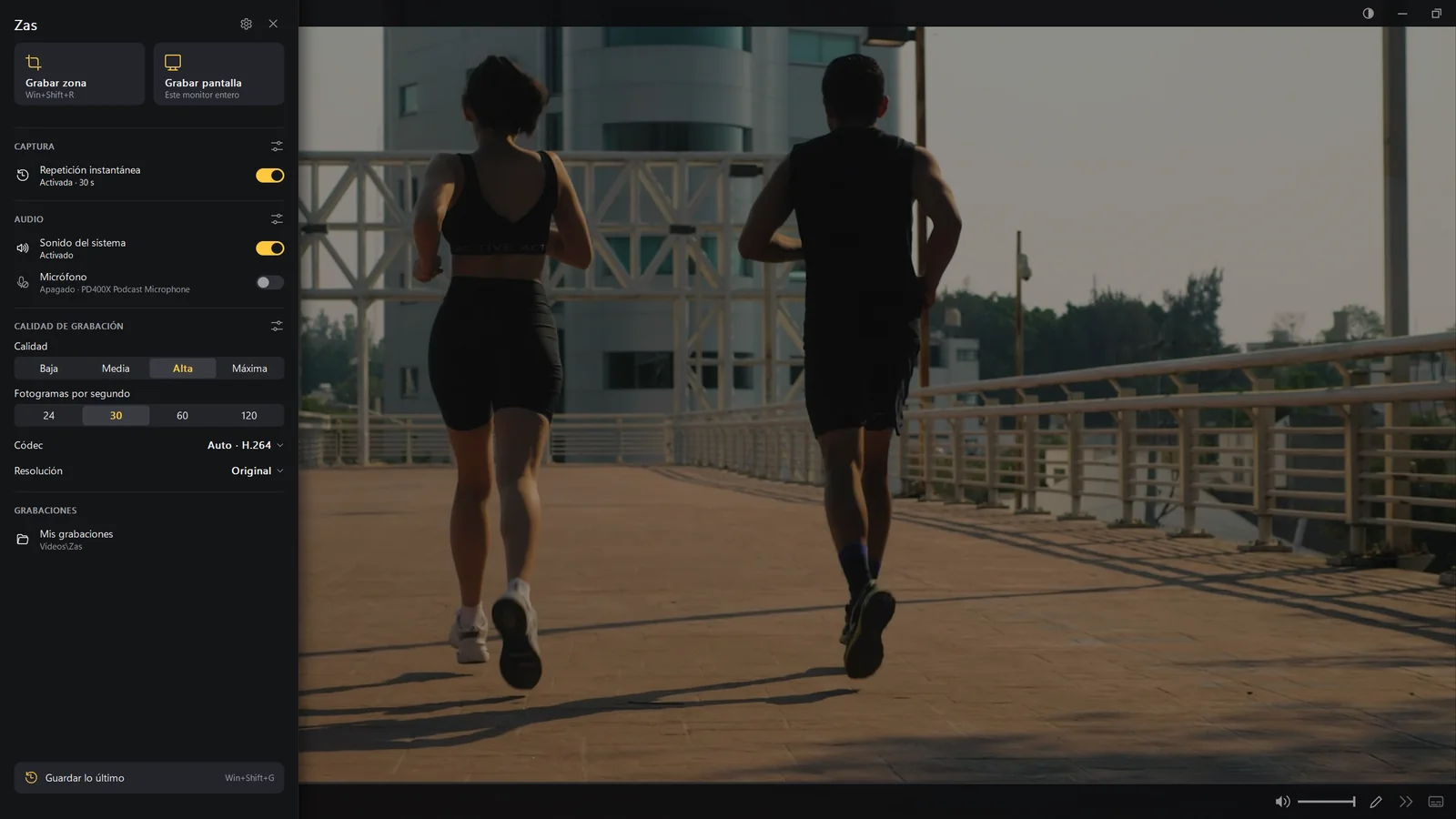
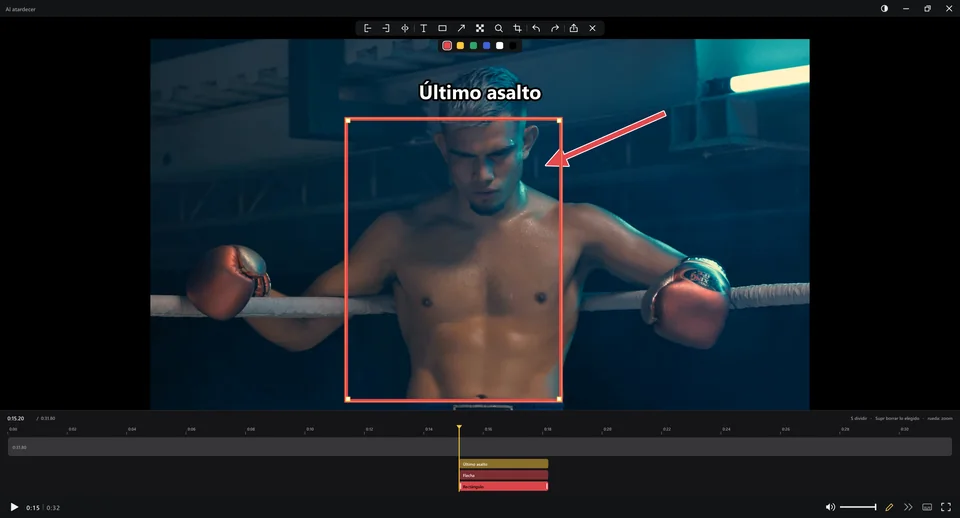
Zas 1.15.1, the version you download here, on a PC with an AMD Ryzen 5 3600, an NVIDIA GeForce RTX 2060, 32 GB of memory and Windows 11, with a 2560×1440 screen. Test video: one minute of Big Buck Bunny (H.264, 1080p at 60 fps) and two 10 s versions made from it (H.265 in 4K at 30 fps and VP9 1080p at 30 fps).
| H.264 1080p60 | H.265 2160p30 | VP9 1080p30 |
|---|
| Open with Zas in memory | 378 ms | 134 ms | 125 ms |
| Open with Zas closed | 710 ms | 595 ms | 514 ms |
Open: from launching zas.exe video (the same as a double-click) to the first frame on screen. Medians of 8 opens in memory and 5 from scratch. With Zas in memory, 2 of 24 opens took longer (0.7 and 2.9 s); with Zas closed, the slowest was 0.83 s. The file was already in the Windows cache.
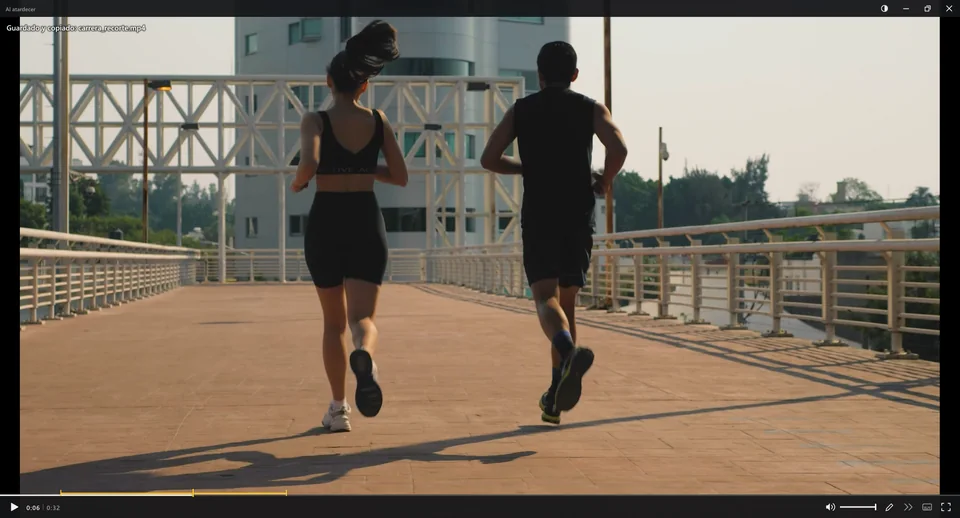
Clip copied: marking a 12 s part and pressing Ctrl+E (no re-encoding) until the file is on the clipboard. Median of 5 runs: 0.14 s; the first took 33 s and is unexplained. Frame-accurate (re-encoding, Ctrl+Shift+E), the same part takes 4.6 to 5.0 s.
FPS while recording: Fortnite at 2560×1440 in the foreground, measured with PresentMon (Intel). With and without recording at 60 fps with the graphics card (H.264 or H.265 via NVENC), the same 61–70 FPS. Recording uses 18% of one CPU core. The old CPU method (libx264) used 2.7 cores and stuttered.
Memory: 99 MB idle (in the background, ready to open) and about 300 MB playing the 1080p60 video.
These are measurements from one specific computer: yours may differ.